
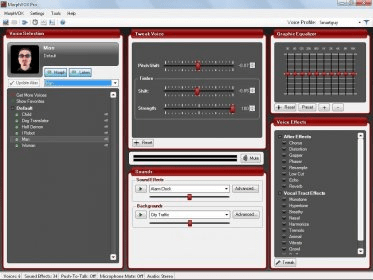
Blue Satin Skin 2.2 is a skin to be used with MorpVOX Voice Changing Software. MorphVOX is a program able to distort your voice and broadcast it changed, along with different sound effects. The default skin of the program is the Studio Skin, that shows you the five sections in MorphVOX: Voice Selection, Tweak Voice, Sounds, Graphic Equalizer and Voice Effects. Blue Satin Skin is more compact, it only shows you the most used sections: Voice Selection and Sounds (renamed Sound Effects). Of course, you will be able to customize the sections showed as you like. This skin is blue, modern and occupies very little space in your screen. The space between modules is transparent, and you can move the modules freely around the screen. This free skin will integrate with your existing MorphVOX installation. In order to use it, you must go to the "MorphVOX" entry in the menu, click over the "Preferences" option and select the "Skins" section. Then, you´ll need to select the "Blue Satin" skin. Your MorphVOX will change its appearance instantly.




Comments